Guide
Bilog and Nukleo, explained
Bilog is an app for organizing payment details and shared expenses, with Nukleo for tracking personal finances. Both are available in the same app.
Two pathways, one account
Use Bilog for money that involves other people, and Nukleo for your own. Both run on the same account, so there is no second app and no second login.
- With your circle
Bilog
Keep payment details, shared expenses, and settlement records organized.
Read the Bilog guide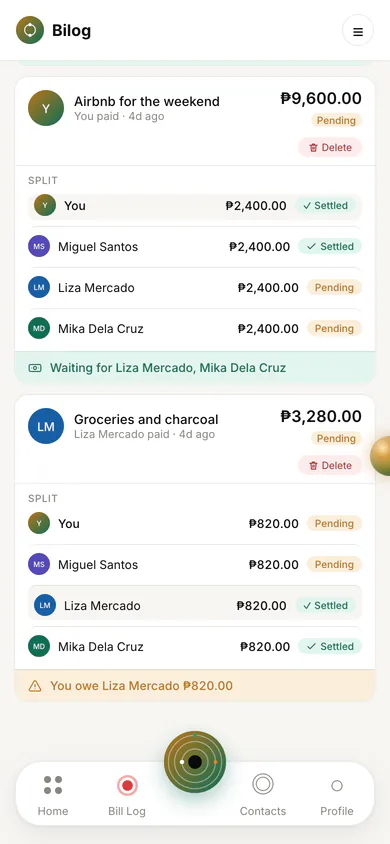
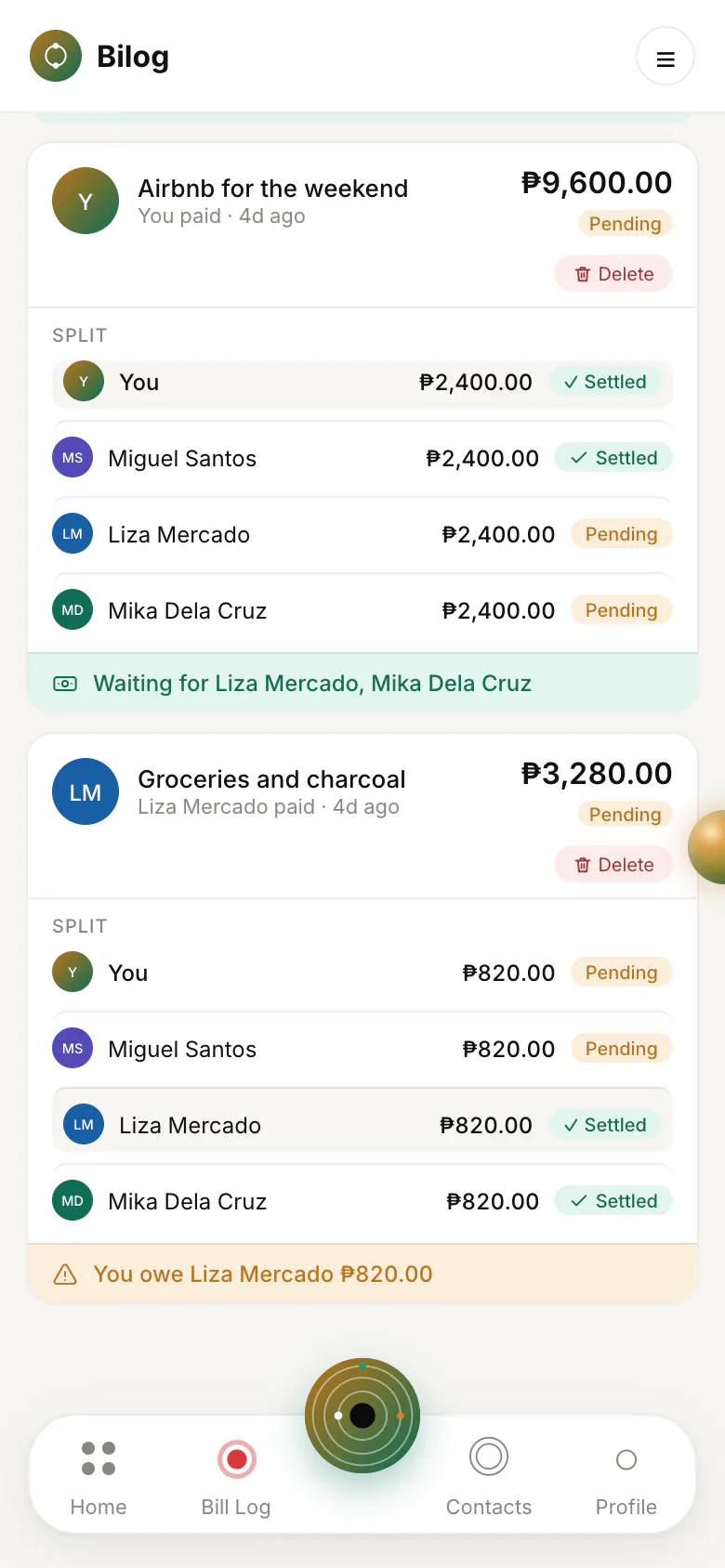
Sample dataEach person's recorded share of a group expense, and whether it is settled or still pending. View full size - For your everyday finances
Nukleo
Track spending, income, accounts, budgets, and savings.
Read the Nukleo guide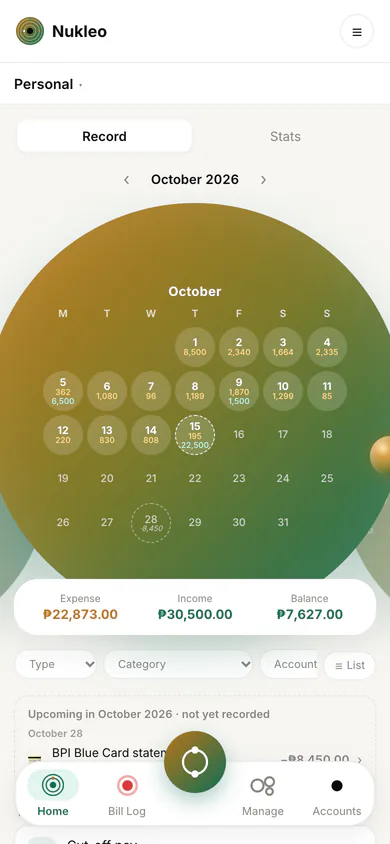
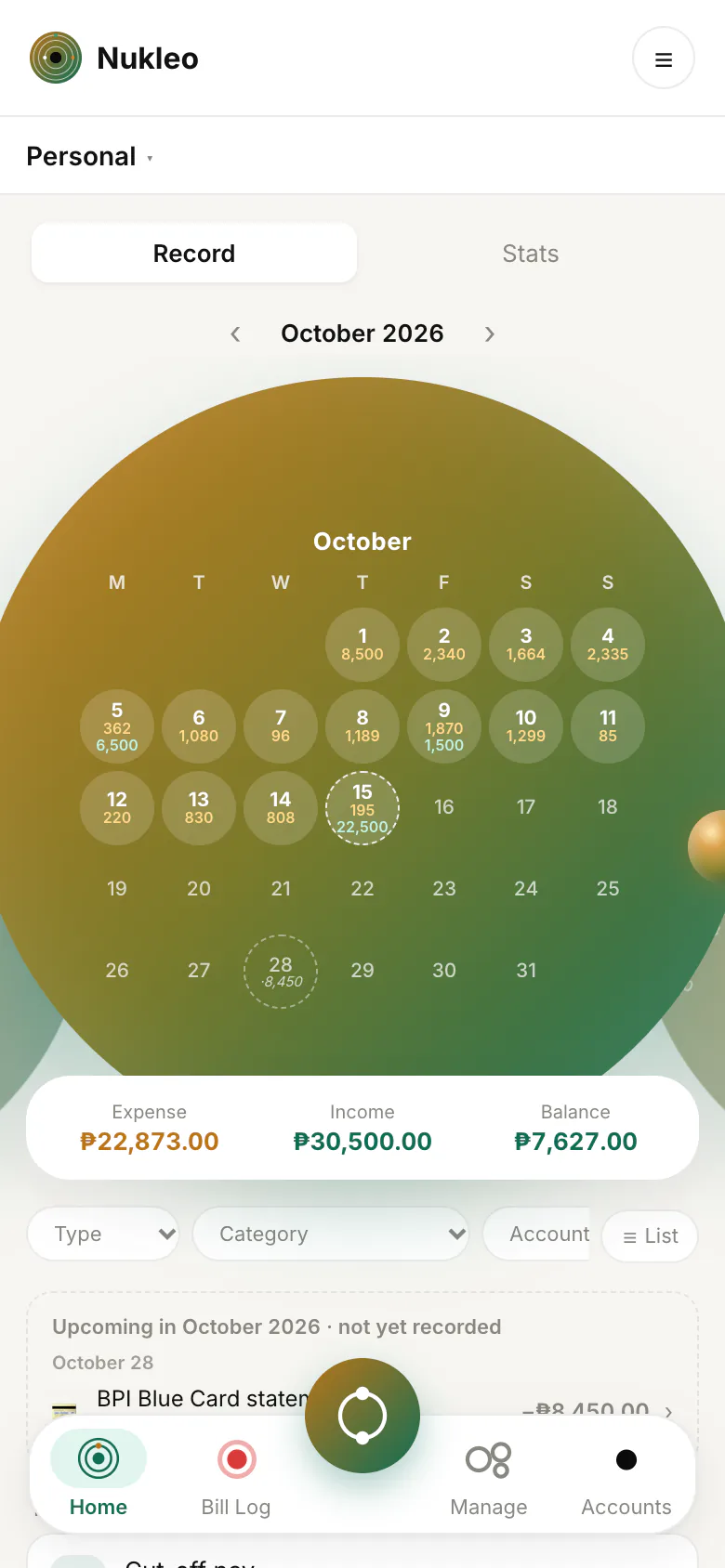
Sample dataYour personal tracking view: what came in and went out each day, with the month's totals. View full size
Explore the Orb
Your everyday shortcuts
Meet the Bilog Orb.
What you can do in Bilog
Bilog to Nukleo, in one tap.
For the circle you share.
Payment details, shared expenses and settlement records, together.
More in Bilog
Tap a shortcut to explore what you can do.
Explore BilogWhat it looks like day to day
These examples use made-up names and amounts.
- Ana pays for the barkada's lunch. She sends 1,200 pesos through GCash, then records it in Bilog and splits it. Each person's share shows as pending or paid.
- Miguel pays rent. He saves his landlord's bank details once, so he never has to ask for them again, and he keeps a record of each month's payment.
- Liza tracks her month. She records her allowance, groceries, and load in Nukleo, sets a food budget, and watches a savings goal grow.
Personal and shared, kept separate
Your personal Nukleo records stay private from other users. Joining a Bilog group or connecting with someone does not give them access to your personal ledger. Shared Ledgers, shared payment records, and payment details you deliberately publish have their own visibility rules.
Some things are shared on purpose. Linking with someone, or joining a group with them, does let them see the payment accounts you saved in Bilog, so they know where to pay you. The table shows who can see what, including the links you share.
| What | Who can see it |
|---|---|
| Your personal Nukleo records: entries, ledgers, accounts, budgets, savings goals and recurring items | Only you |
| Payments between you and a linked contact | You and that contact |
| A Bilog group's shared expenses | The group's members |
| Payment accounts you saved in Bilog | You, people you are linked with, and members of Bilogs you are in |
| A Shared Ledger | You and the linked contacts you invite, once they accept |
| A payment account you share by link | Anyone with the link, for up to 30 days or until you turn it off |
| A proof link for a payment you sent | Anyone with the link: that one payment, and its receipt if one is attached |
| An email invitation you send | Anyone with the invitation link: your name, the email address you invited, and the group's name if the invitation is to a group |
| Your personal invitation link | Anyone with the link, until it is used, closed or expires: your name or nickname, and your handle |
| A group's join link | Anyone with the link: the group's name and kind, the name and photo of the member who shared it, and the group's photo while the link works. Not who is in the group. |
| Your public profile page | Anyone who visits your handle's page: your name, nickname, handle and photo |
Your data is stored in the cloud so it can sync across your devices. “Personal” describes who can see a record, not where it is stored. More in the Privacy Policy and the privacy FAQs.
Getting started
- Create an account with your name, email, a username (your handle), and a password, then confirm your email address. Or continue with Google, and claim your handle later from your Profile.
- Choose the pathway you need. Bilog is where you save contacts and log payments. Nukleo is where you track your own money. You can use either one or both, and switch between them from the navigation bar.
- Add your first record: log a payment to a contact in Bilog, or add an expense or income in Nukleo.
Bilog works in your browser and can be added to your home screen. See how to add it.
Keep reading
- The Bilog guide: contacts, payments, groups, and receipts.
- The Nukleo guide: accounts, budgets, savings, and Shared Ledgers.
- FAQs: privacy, free limits, offline use, and your account.