Bilog · With your circle
Bilog: payment details, records and group expenses
Bilog is the pathway for money that involves other people. Save where to send payments, keep a record of who paid whom, and split costs in a group.
The Bilog screens
Bilog has four tabs. The switch in the middle of the tab bar takes you to Nukleo and back.
- Home: your totals and stats, what is still pending, payments waiting in Incoming, and your activity log.
- Bill Log: record a payment you sent or received, with a receipt or as cash. From here you can also split it with a contact, record a loan, or set up one that comes due every cycle, such as rent.
- Contacts: the people you pay and get paid by, with what is pending between you, and your Bilog groups.
- Profile: your name and handle, the payment accounts you save and share, and settings such as downloading your data.
Save contacts and their payment details
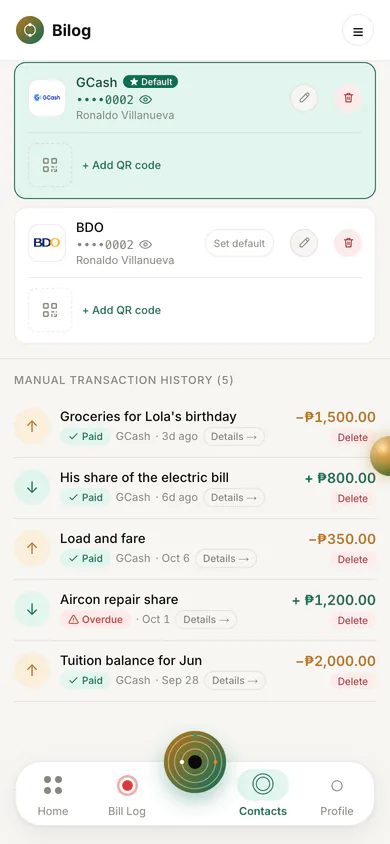
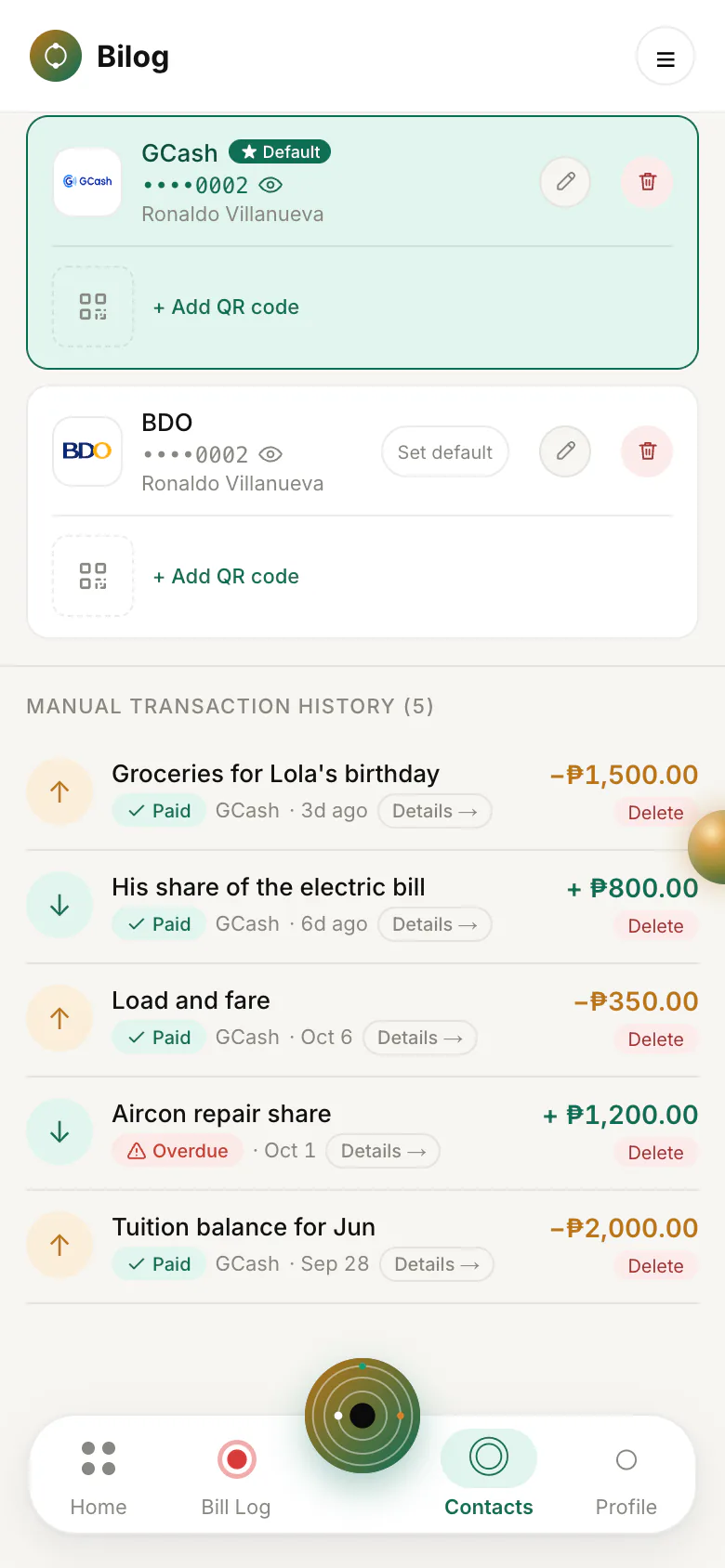
Add a person once, with the bank or e-wallet details you use to pay them, and you never need to ask again. Account numbers are masked until you choose to show or copy them.
A contact is either manual or linked. A manual contact is a name and details you saved. That person does not need Bilog and cannot see anything. A linked contact has their own Bilog account and has accepted the link. Linked contacts can see the payments between you and the payment accounts you saved in Bilog. A link request that is still pending gives them no access to your records.
To link with someone, send a link request by handle, invite them by email, or share your personal invitation link from your profile. You can close a personal invitation link before it is used.
Log payments
Record a payment you sent or received with its amount, date, purpose, and an optional note. Mark it pending until it is settled, then paid.
When a linked contact logs a payment to you, it appears in your Incoming list. You can open it to see their record, or dismiss it. It is never added to your own records for you. If someone says they paid you in cash, you confirm it to mark it paid.
Record a loan
When you lend money to a contact or borrow from one, turn on Record a Loan in Bill Log. Bilog saves two records together: the transfer you made or received, and its repayment, which stays pending until the money comes back. With a linked contact, both are shared with them like any payment between you.
Attach the receipt for the transfer, or choose Paid by cash. Cash you lend to a linked contact waits for them to confirm they received it. Cash you borrow, or lend to a manual contact, counts as given right away. A cash loan has no receipt and no proof link.
The repayment is settled like any other payment, with its own receipt or a cash confirmation. While it is still pending and not part of a settlement, whoever recorded the loan can cancel it, which removes both records.
Split expenses in a group
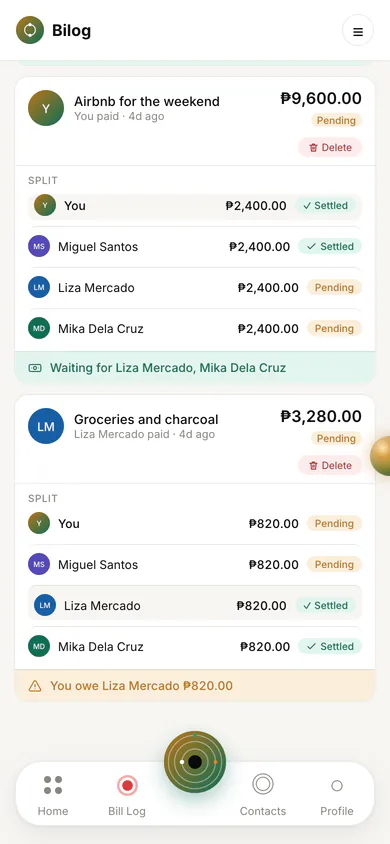
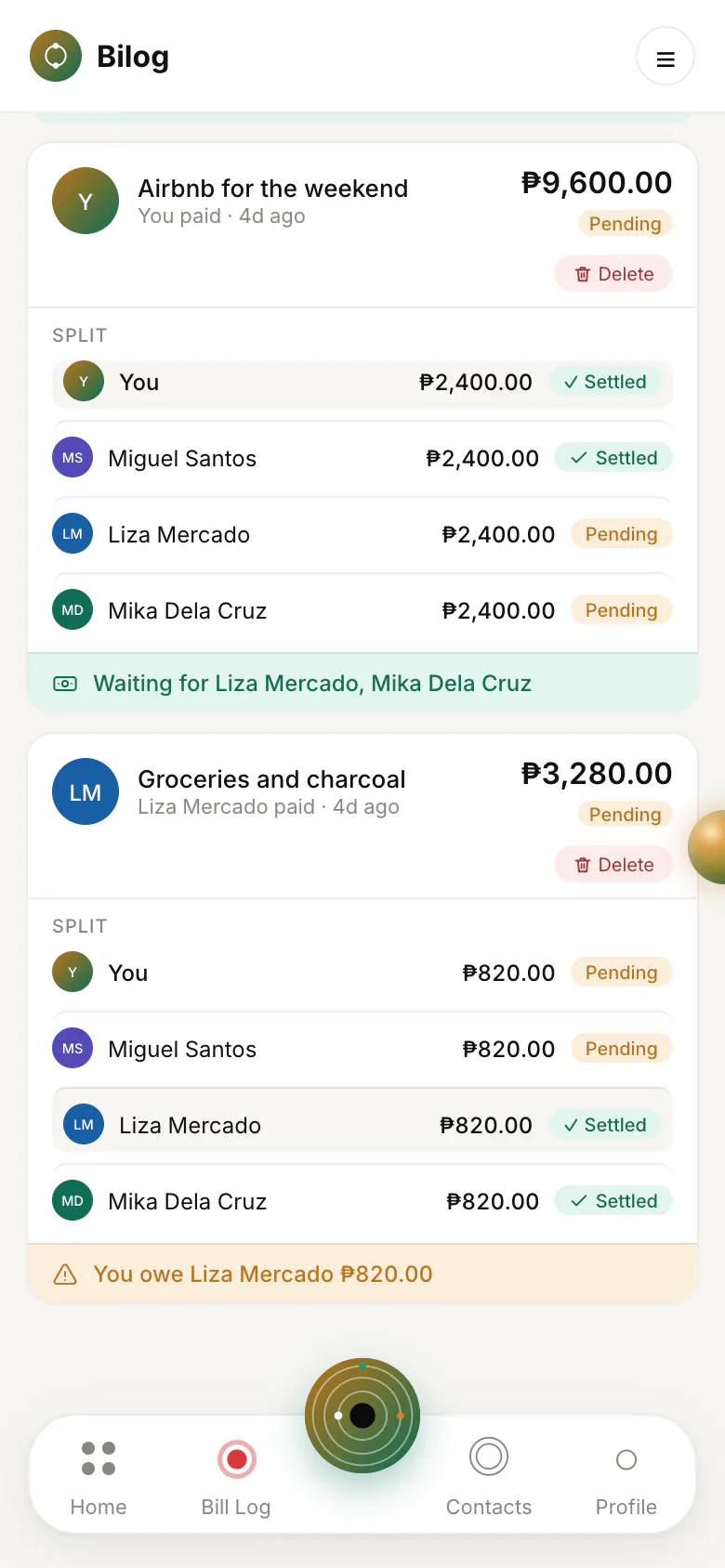
A Bilog is a group of people who share costs, such as a household, an office barkada, or a trip. One person pays. The group splits the cost equally or by custom amounts, and each person's share is tracked as pending or paid on its own.
Members can see the group's shared expenses and each member's share, and the payment accounts of the other members so they know where to settle up. They cannot see contacts of yours who are not in the group, or your personal Nukleo records.
Shared costs that repeat, such as rent or a subscription, can be set up once. Bilog reminds the group each cycle, and a member confirms who paid and how much before anything is split. Invite people to a group with a join link, and close the link whenever you like.
Ambagan and paluwagan
Ambagan is a one-time pool: everyone puts in the same amount by a due date, and Bilog tracks who has contributed.
Paluwagan is a rotating savings circle. It runs in cycles, and everyone contributes each cycle. Bilog tracks each cycle and the order, and the next cycle opens only after the current one is settled and closed.
Attach receipts and share a proof link
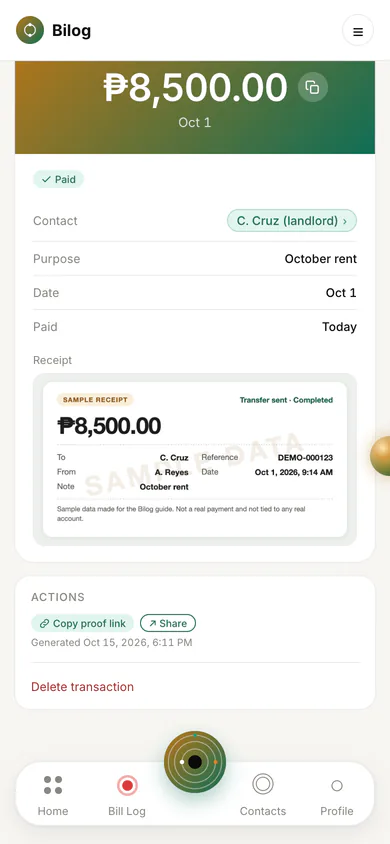
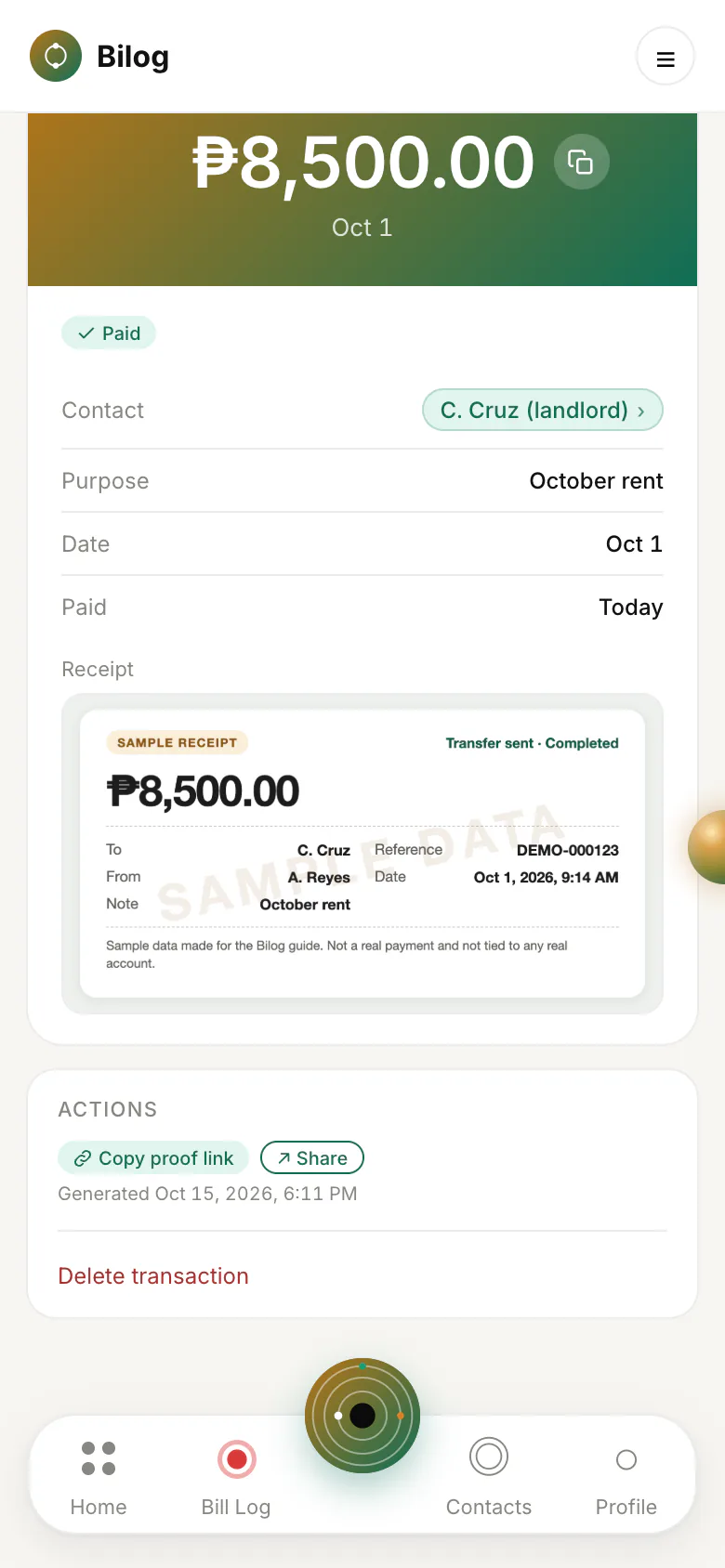
For a payment you sent, attach a screenshot or photo of the receipt, then create a proof link: a web page for that one payment, which you can send in place of a screenshot. For money you received from a manual contact, you can attach a receipt for your own records. It has no proof link.
Anyone who has a proof link can open it, so treat it like a screenshot you have already sent. It shows the amount, date, direction, purpose, the names involved, and the receipt if one is attached. It does not show your other records.
Quick Entry
Type a short sentence, in English or Filipino, such as “500 sent to Juan for groceries” or “nagbayad 800 Kuya Ron load”. Bilog picks the amount, direction, contact, bank, and purpose out of what you typed, using keywords.
More about Bilog
- Overview, including who can see what.
- Free limits for daily logging and saved payment accounts.
- FAQs on privacy, offline use, and your account.