Nukleo · For your everyday finances
Nukleo: personal income, spending, budgets and savings
Nukleo is the pathway for your own money. Record what comes in and goes out, follow your accounts, plan with budgets, and work toward savings goals. It is part of your Bilog account, and its records are private to you.
The Nukleo screens
Nukleo has its own four tabs, reached with the switch in the middle of the tab bar.
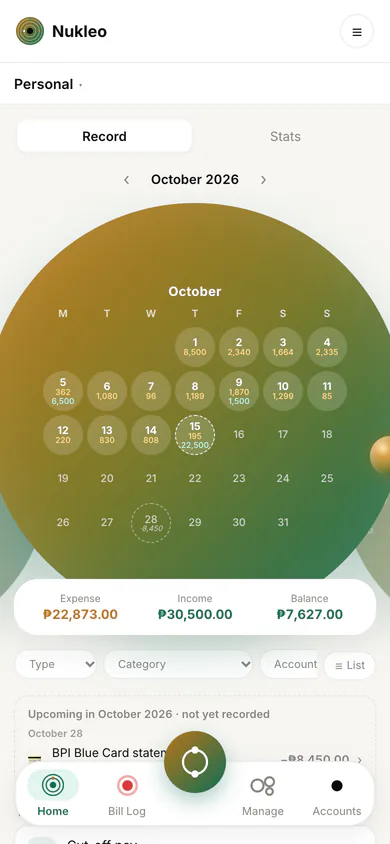
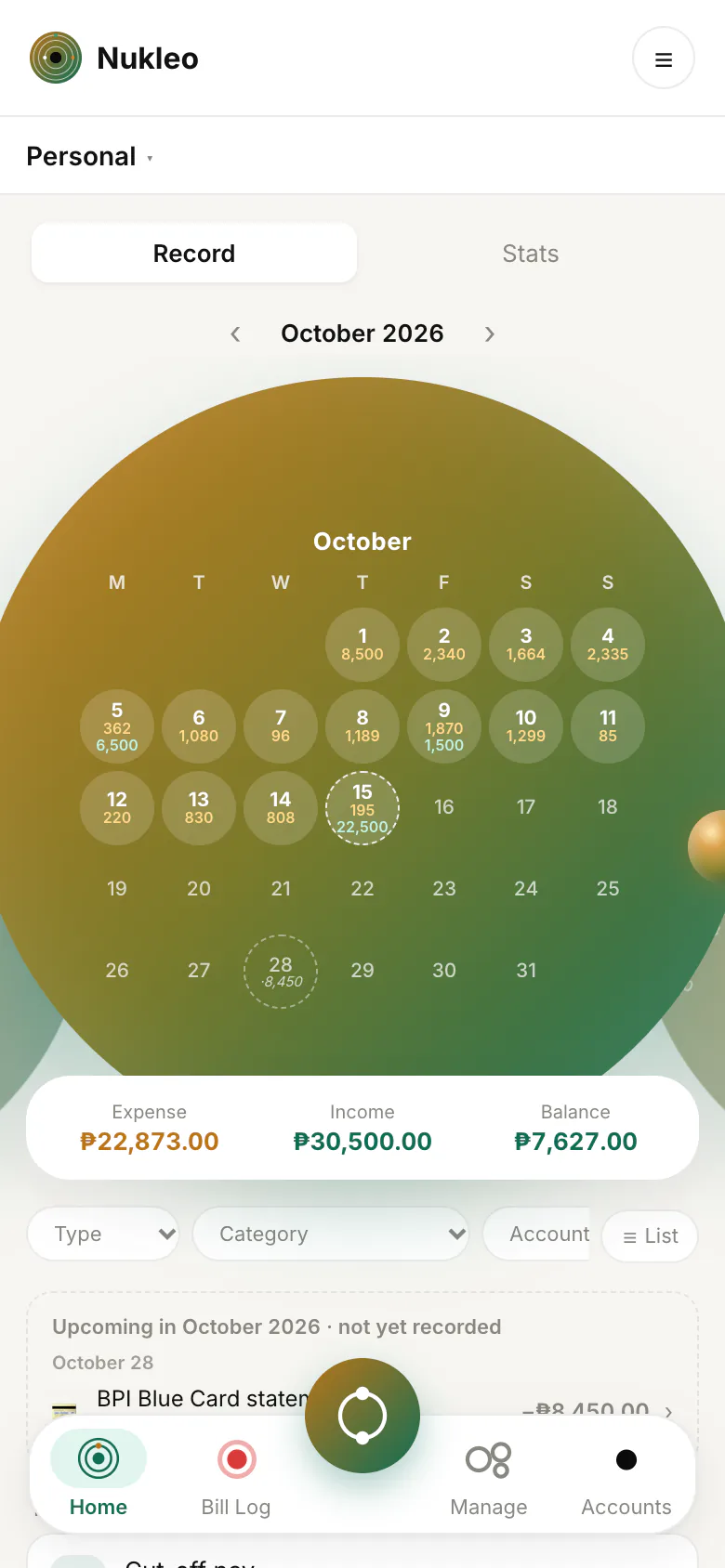
- Home: the month at a glance, with income, spending and balance, a calendar of your entries, and what is coming up. You can switch between your ledgers here.
- Bill Log: add an expense or income. Recurring items that are due wait here for you to log or skip.
- Manage: budgets, savings goals, categories, recurring items and subscriptions.
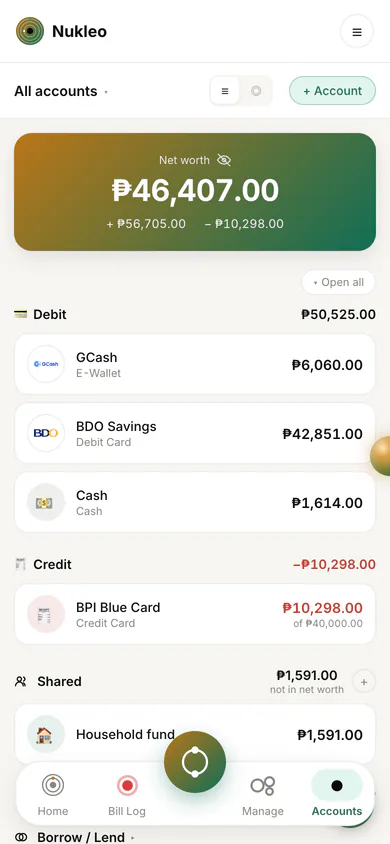
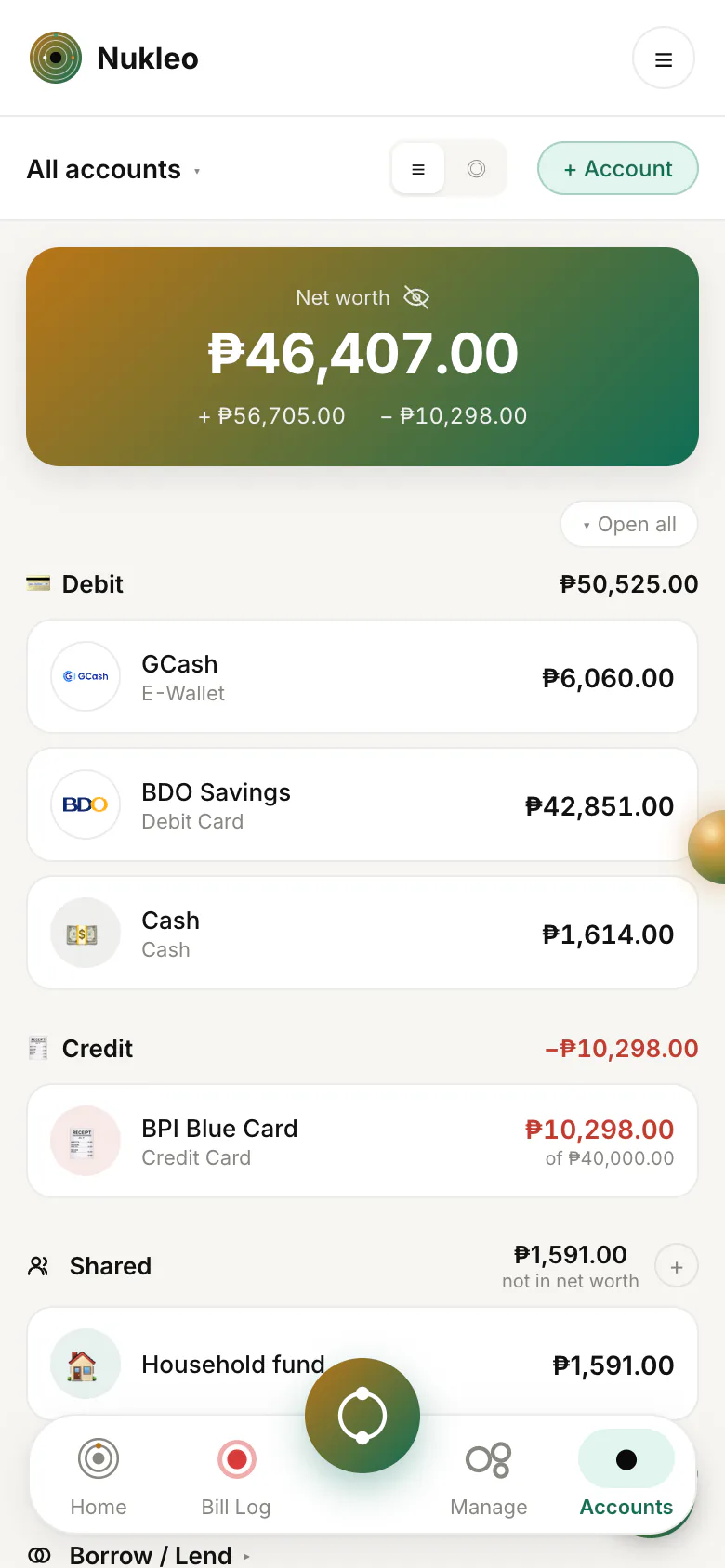
- Accounts: your accounts and net worth, transfers between them, Borrow/Lent, and any Shared Accounts.
Record income and spending
Add an expense or an income whenever it happens, with a category, an amount, and a date. Your Home screen lists your recent entries and totals for the month, so you can see where the money went.
Entries live in a ledger, with categories you can adjust. The free plan has limits on how many ledgers and categories you create. They are listed in the FAQ.
Accounts and recorded balances
Add the places your money sits: a Cash wallet, debit and credit accounts, prepaid and member accounts, and investments. An account's balance comes from the opening balance you enter, the entries you record, and the transfers between your accounts.
Nukleo does not connect to your bank, so it never pulls balances in on its own. Credit cards and buy-now-pay-later plans can have monthly bills and installment schedules, and investments are recorded by hand.
Nukleo accounts are private tracking balances. They are different from the payment accounts you save in Bilog so that other people can pay you.
Budgets
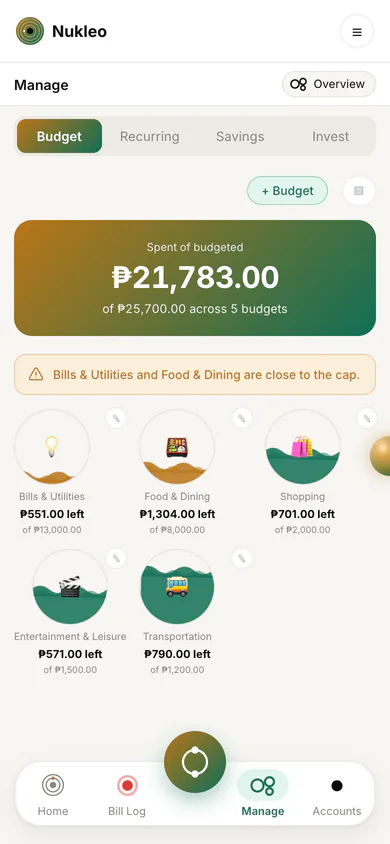
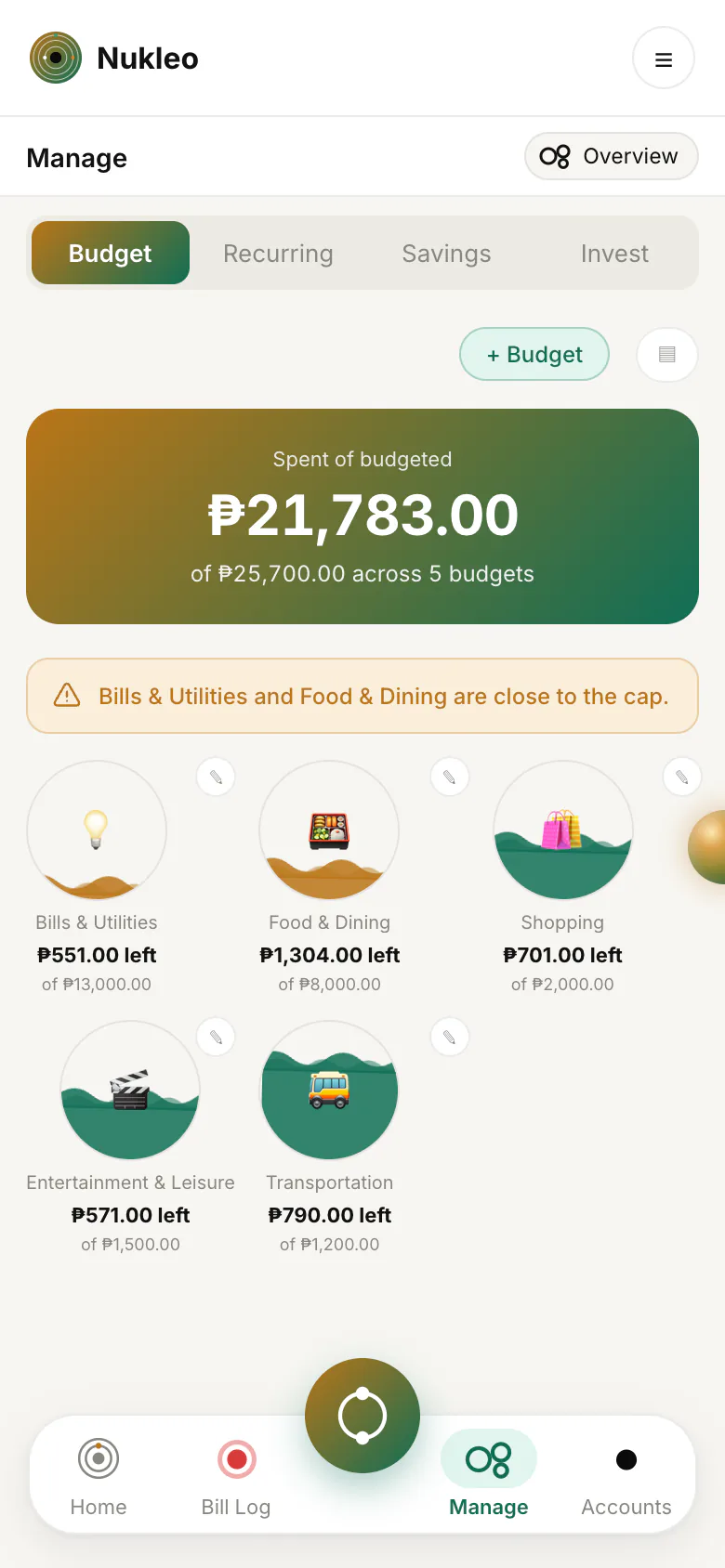
Set a spending limit for a category over a period such as a week or a month, and watch how much of it you have used.
Savings goals
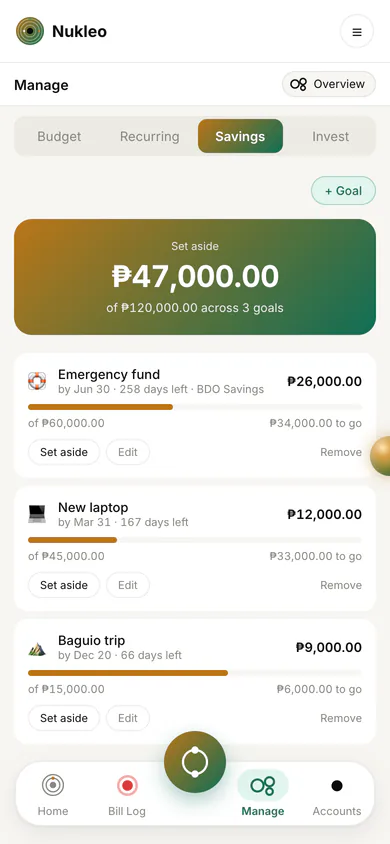
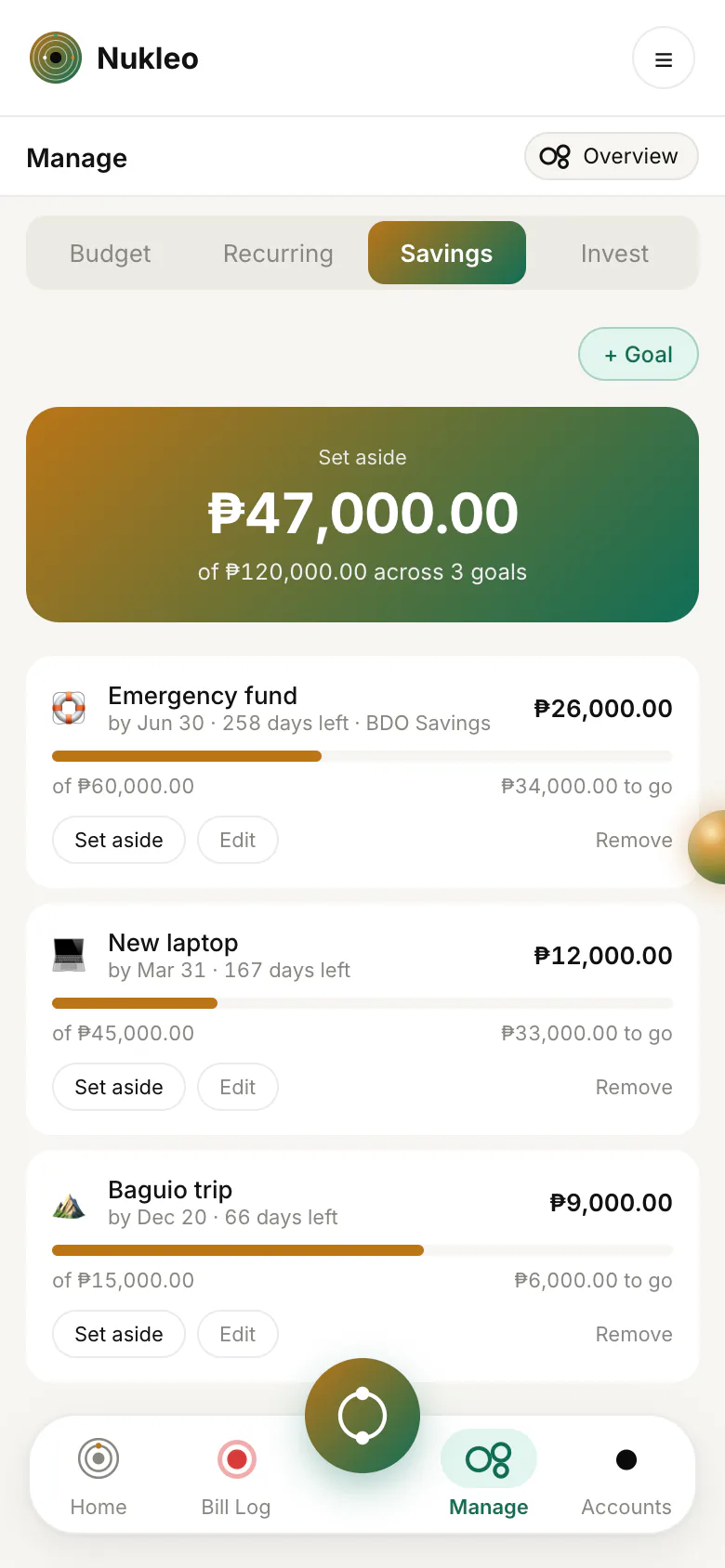
Create a goal with a target amount, add to it over time, and see how close you are.
Recurring entries and subscriptions
Set up income or expenses that repeat, such as rent, a salary, or a subscription. Each time one falls due it appears in Bill Log with its amount ready. Tap Log it when it happens, or skip that cycle. Nothing is recorded until you confirm, and the Subscriptions screen lists what you pay regularly.
Borrow and lend
Money you have lent or borrowed shows up under Borrow/Lent. Unsettled payments, group shares, and loans you recorded in Bilog appear there on their own until they are repaid, whether or not syncing is on. You can also record a loan with anyone here yourself.
Working with Bilog
Nukleo has a setting called Sync Bilog transactions. When it is on, a settled Bilog payment becomes an entry in your own Nukleo, flagged so you can choose its category. Group expenses you paid can also appear as entries to review. Turning it on does not import past history.
The setting is on by default for new accounts, and older accounts keep the choice they made. You can switch it off in Nukleo settings. Syncing only adds to your own Nukleo and never lets anyone else read it.
Shared Ledgers and Shared Accounts
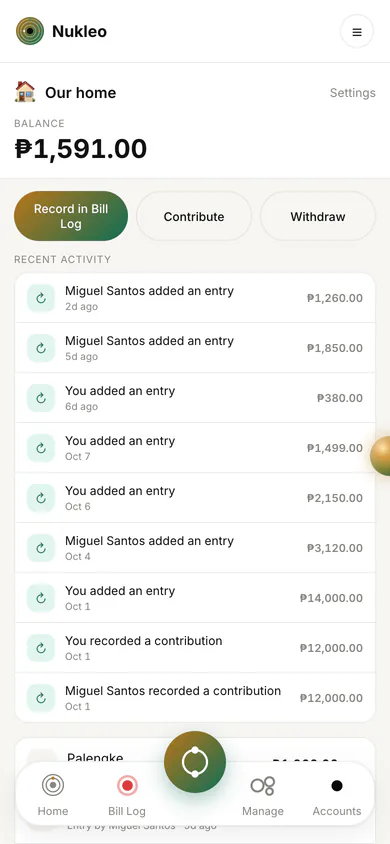
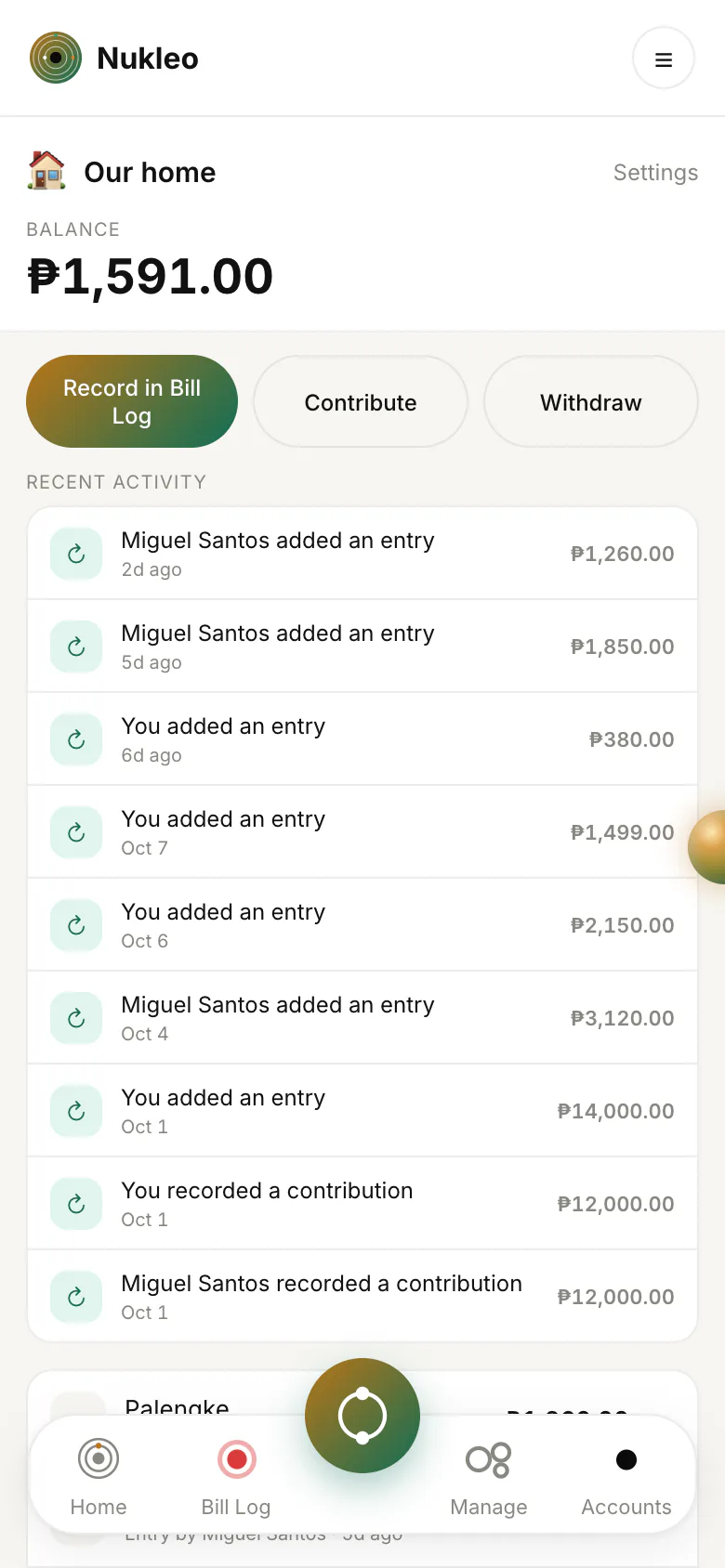
A Shared Ledger is for money you manage with people you invite, such as a household or partners with a joint account. It has its own categories, accounts, entries, and budgets, and everyone in it works on the same records.
Only linked contacts can be invited, and an invited person sees the ledger only after accepting. Starting a Shared Ledger currently needs Pro. Joining one does too, unless your account was created before the free limits were introduced, and people who have already joined keep their access. Members can record entries and put money into shared accounts, and the ledger's owner decides whether any member may take money out.
A shared expense can be paid from the group's shared account or from a member's own account. The group sees who paid, not which of their accounts it came from. Money you put in, or pay from your own account, is reflected in your own account balances.
Publishing a payment account
You can publish one of your debit accounts as a Bilog payment account so people can pay you. The account's name becomes its label, and you enter the bank, account number, and holder name. Those details are then shared like any saved payment account, which the Bilog guide explains under sharing payment details. The balance and your Nukleo records are not shared.
Offline use
Nukleo keeps working without a connection for what you have already synced. You can open it, browse your recent data, and add new entries, budgets, savings goals, accounts, account groups, and recurring rules. They upload when you are back online. Bilog and Shared Ledgers need a connection.
Import and export
Nukleo CSV export and import are Pro features. Accounts that existed before the limits were introduced keep the access they already had. A copy of your Bilog data is free for everyone. See the FAQ.
More about Nukleo
- Overview, including who can see what.
- The Bilog guide for contacts, payments, and groups.
- FAQs on privacy, free limits, and your account.